Skala
Creativity at full speed
A professional interface design tool built for speed, precision, and creative freedom.
Skala 1.0.1 (version history). macOS 15+ and Apple Silicon required. Download for free trial.
Parametric components
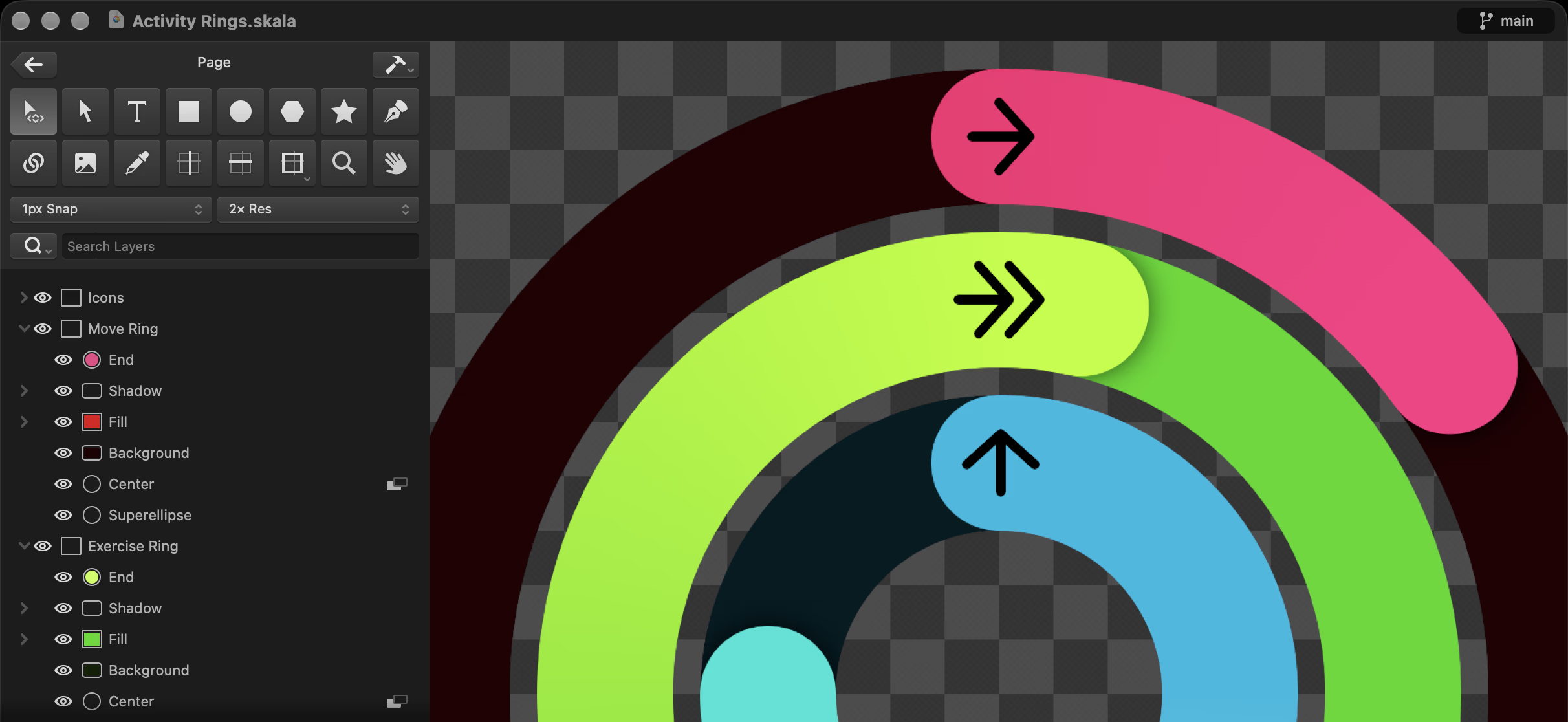
A single Skala component can handle multiple states and variations, and respond dynamically to changes in size. Components are separate files, rather than being buried inside one giant document. Large projects and libraries are easier to manage, and components can be shared between projects.
It’s a lot like how your team already structures code.
Materials
Vector layers are painted by materials. Materials apply fills, strokes, shadows, and more.
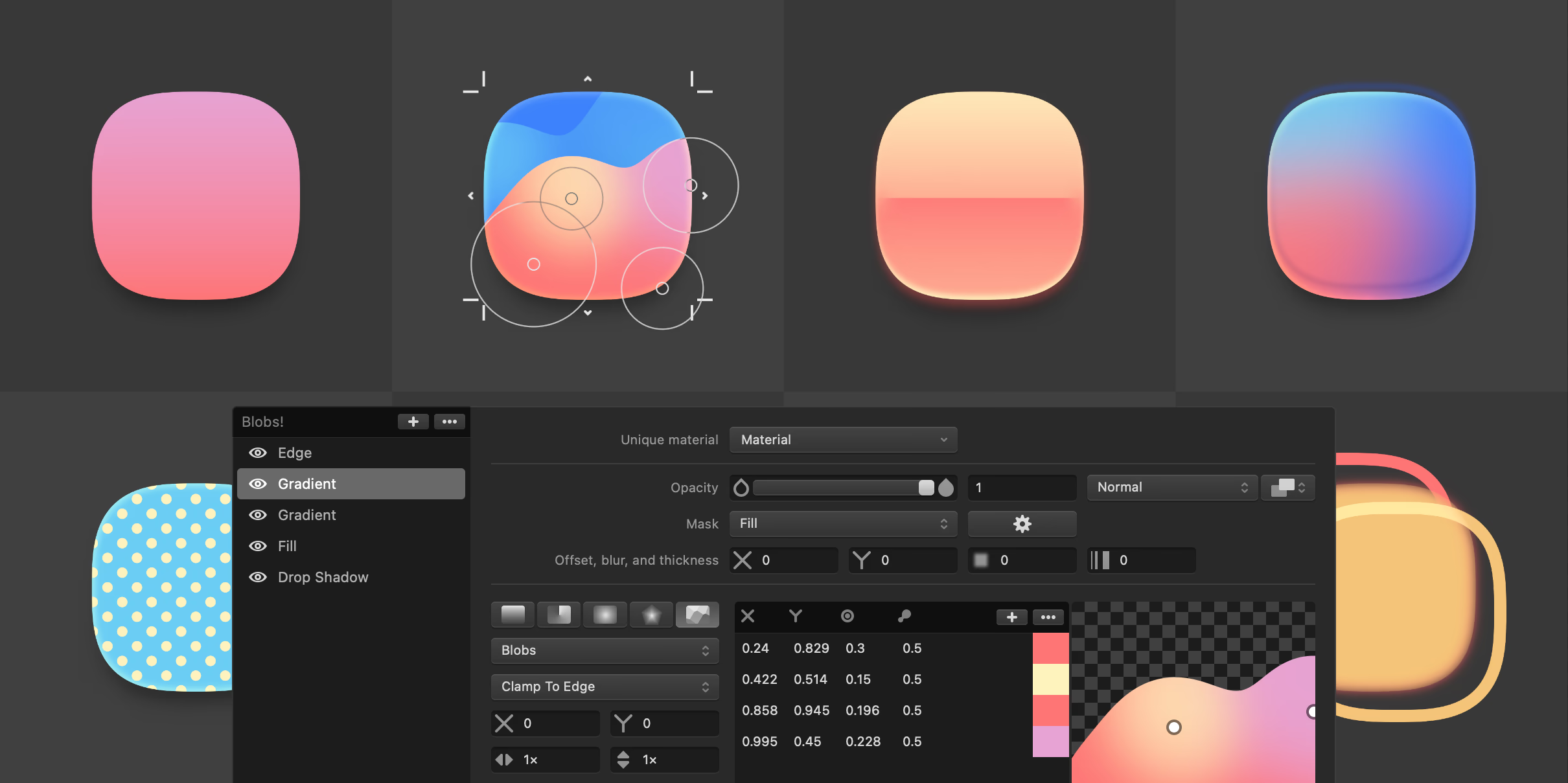
Each material is built from layers, with separate controls for what gets painted and where it goes. You can mix and match almost anything. Use a gradient in a shadow, or an image in a stroke. There’s background blur, gradient maps, dynamically resizing image fills, and plenty more.
Things that aren’t possible in other design tools are a breeze in Skala.
Gradients and patterns
Skala includes a wide range of gradient types, including a few you probably haven’t seen before. Gradients use color-space-aware blending, avoiding the muddy colors that can appear between stops. You can turn it off if you prefer muddy gradients. We won’t judge.
The gradients and patterns below are each made from a single vector layer and material. They’re included as example documents.
Shapes without limits
Ellipses can morph from circles to squircles to rectangles. Shape edges can be smoothly antialiased, perfectly sharp, or anywhere in between. Vector-based pixel art? Absolutely.
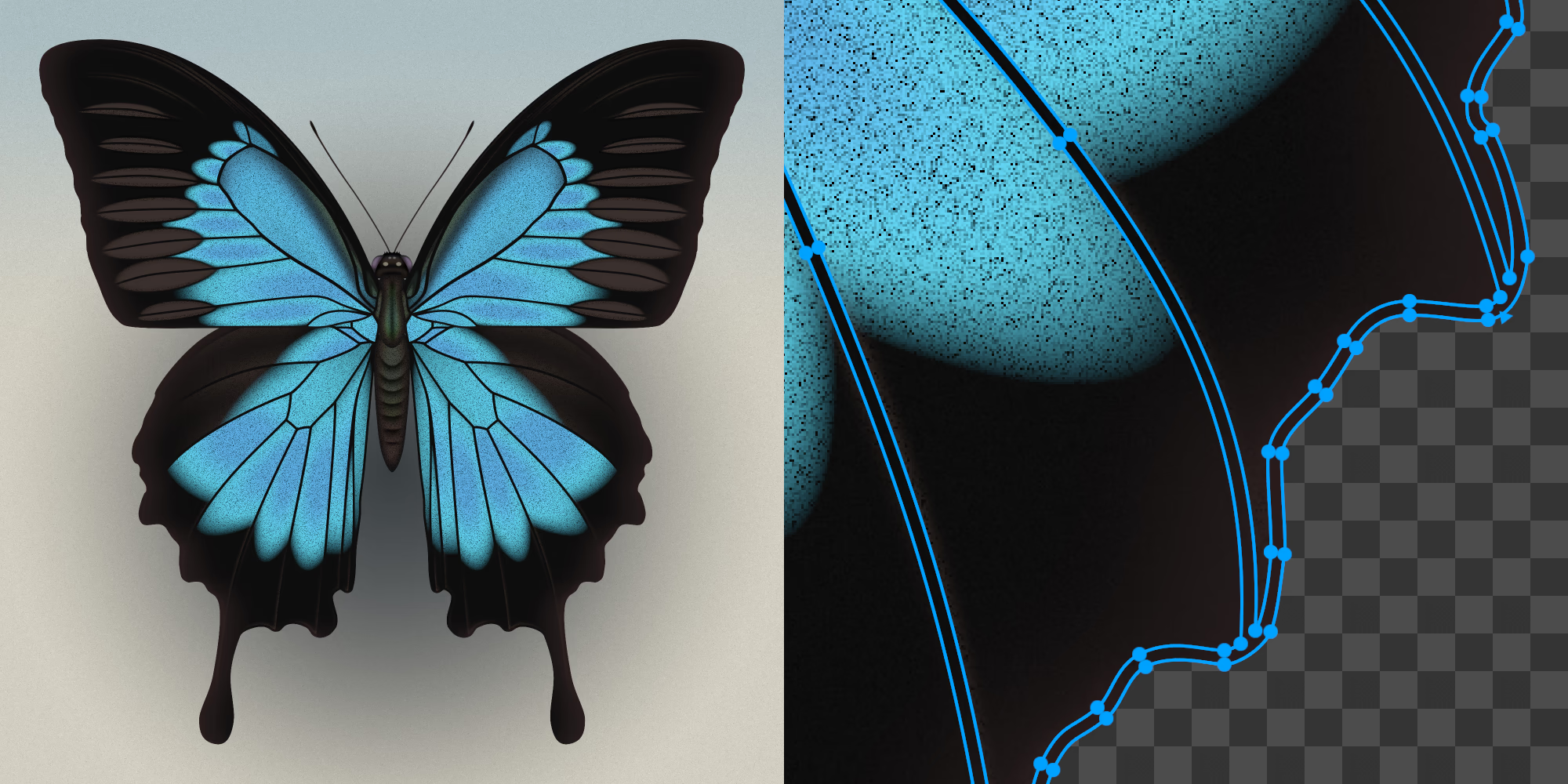
Skala’s path editing goes well beyond the basics. You can select points across multiple layers and transform them together, extend curves, offset paths, and subdivide segments into two, three, or four equal parts. The right tool can make complicated icons surprisingly easy to construct.
Engineered for designers
Skala is a native Mac app with a rendering engine that runs entirely on the GPU. Spend more time designing and less time waiting.
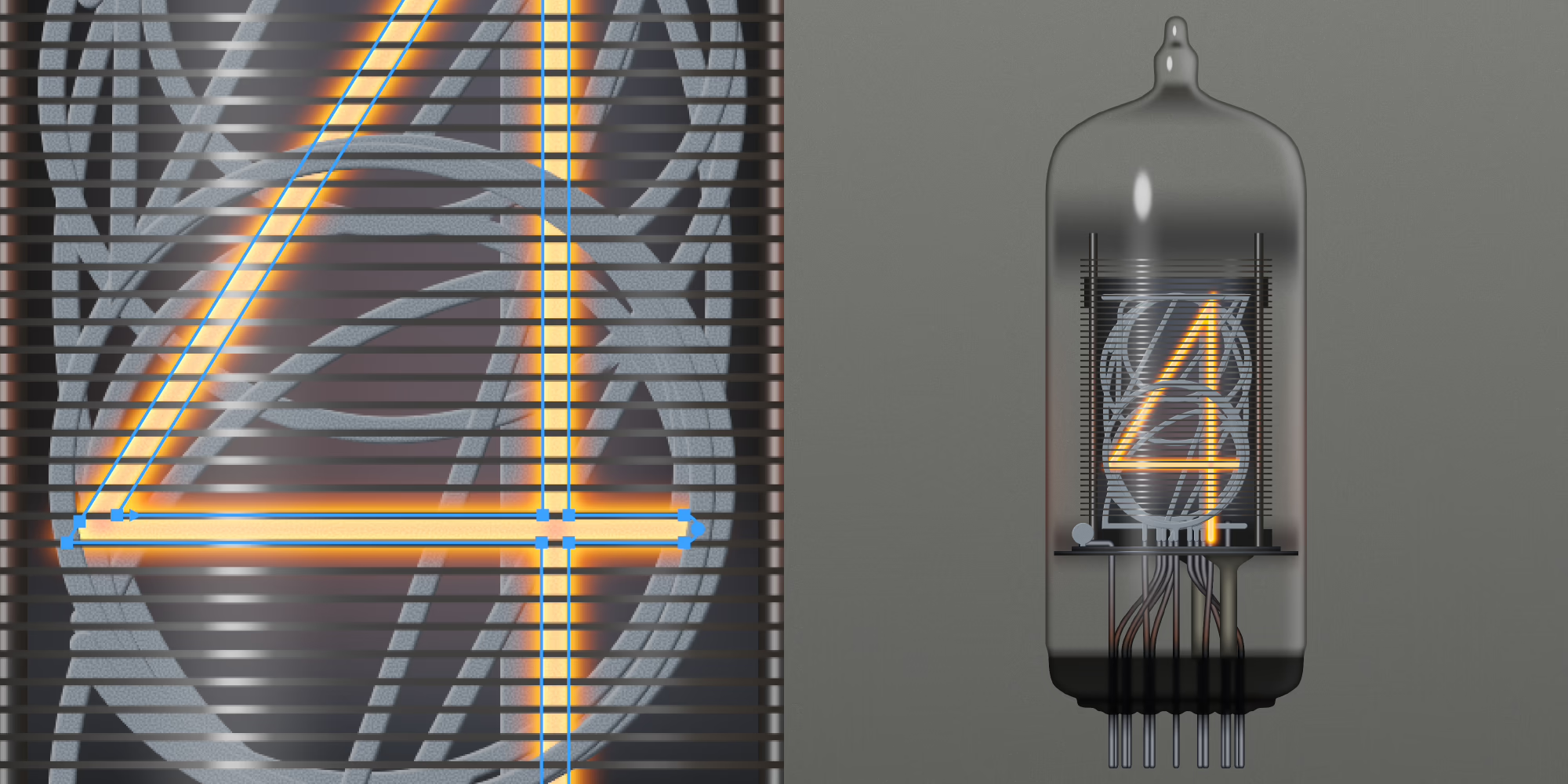
For example, Skala can handle paths with over 1 million points. Other tools freeze at a few thousand.
Skala uses 64 bits per pixel for color, dramatically improving rendering quality and making techniques that cause banding in other tools entirely practical. Want to stack multiple gradients at different opacities? That’s normally a bad idea, but go right ahead in Skala.
Designed for engineers
Skala’s document format and schema are an open spec, and designed to work with Git and other version control systems.
Multiple people can work on the same projects, with the ability to track changes, manage branches, and merge work. This was a founding principle of Skala, and makes it particularly well suited to large teams.
You can even edit or generate Skala documents using the MCP server, or make batch changes to thousands of documents from the command line. If that kind of thing excites you, it excites us too.
Equations and constants
Skala’s text fields accept equations that can be saved and reference constants. This gives you precise, reusable control over almost every aspect of your design.
Want a vertical guide to stay centred? Set its position to :=width / 2. Want every rectangle to use the same corner radius, with the ability to change them all later? Define a constant.
Custom units
Work in pixels, iOS points, Android dp, rems, or your own custom units. You could define a grid unit as 8 pixels, or use millimetres and inches to design at physical sizes.
You can even design in fathoms, if you want. Savvy?
Color without compromise
Colors you see while designing should match the final product, especially when making decisions about contrast and accessibility. Skala includes real-time filters to simulate common forms of color blindness, Night Shift, and gamut warnings for colors outside sRGB.
Skala documents can mix sRGB, Display P3, and colours from even wider gamuts. In fact, Skala’s rendering covers the full range of human perception. We’re already prepared for displays that don’t exist yet.
Go anywhere, instantly
No more zooming out, panning, and zooming back in. Hold ⌃⌥⌘ to open a minimap under your cursor, then jump anywhere on the canvas without changing your zoom level.
Guides
In Skala, guides are layers. You can group them, hide them, copy them, and transform them. As well as horizontal and vertical guides, Skala includes rectangular and grid guides, to make columns with gutters or isometric grids a breeze.
Guides can even live inside components, giving you reusable, responsive layouts that stay in sync across documents and projects.
Screen test
Preview your designs in real time on iPhone and iPad with the free Skala View app.
Offline and unstoppable
No internet? No problem. Skala runs on your Mac, not someone else’s server.
Exporting
Skala makes it easy to export images for the web, iOS, Android, and more. Export settings live in one central panel, rather than being scattered throughout your document.
Need another set of assets at a different pixel density? Just a few clicks. No hunting through layers to update individual export settings.
Skala also gives you precise control over image formats, quality, bit depth, metadata, and more, so you can export exactly what you need and nothing you don’t.
Privacy focused
Skala has no ads, no analytics, and no creepy tracking. Your documents aren’t stored on our servers. We don’t know what you’re working on, and we can’t see your designs.
Skala 1.0.1 (version history). macOS 15+ and Apple Silicon required. Download for free trial.